Masterchef Unit?

This post was originally uploaded last year as a page and in a reorganisation of my blog, I have decided to delete the page and reload this as a post.

How about a unit on cooking incorporating iPads and interactive smart boards? How fantastic. Have just stumbled across a Spanish teachers blog which included a fantastic idea for doing just this. The unit starts with simple cooking recipe YouTube videos. So i guess, my first task is to track some Indonesian cooking youtube videos down and if none are there, then add that to my list of resources to collect while in Jakarta with Bu Valentina or Kalimantan with Bu Arfa.
After watching one, The students then use an app on the iPad to complete a cloze. So much more motivating than doing it on paper. Although, how do i keep a digital copy of it? And how do i manage this with only 6 iPads? Maybe in groups, 1 student has the iPad and the others do the task on paper?
The lesson then proceeds to use the smart board for students to make their own cooking tutorial video! Sounds amazing however i think we may have copyright issues about using google images. If so, then either i will have to photograph the ingredients and utensils myself or students will have to take their own photos beforehand! Can’t wait to investigate this use of the smart board!
Look here to see the original post.

Penny

Hi Bu 🙂

I’ve been enjoying following your jalan2 blog! So much so that I have sung its praises on the wa-indon mailing list. Hopefully others will follow along too! Particularly enjoying your adventures in Kalimantan – somewhere I’ve always wanted to visit. Ahhhh!! To hop on a plane right now! I really love your photos and seeing things with a “teacher’s eye”. 🙂

I aim the MasterChef unit at yr8s in second semester. Once the Year 12s finish Term 4, we can access the cooking room and so I aim to do one “practical” lesson per week and one “theory” lesson 🙂 When we enter the cooking room, we -only- speak Indonesian (so classes are quite quiet… heh) but I find that the change in environment has a huge impact on kids’ willingness to speak the TL and creates a pretty clear boundary. Practical, hands-on lessons are also easier to facilitate in the TL I find, and the iPads come in handy because we can “beam” the action from the back of the room to the front of the room using AppleTV and a projector.

Last year we just spent Term 4 on “Masterchef” because we looked at the Olympics term 3, but this year we’re exploring it for the whole semester. It’s soooo much fun! I like styling lessons after the “challenges” on the show – mystery boxes, skills tests, invention tests, masterclasses, team challenges etc. and because students are playing a role they’re more likely to play along 🙂 We watch the show quite a bit but also do a lot of vocab building activities. We also have an immunity pin challenge – whoever gets the highest score in Language Perfect for the month wins a garuda pin and gets to trade it in for a “free lesson” of their choosing. They can go to the library for free time, or (if they give me advance notice) join another class. If we have a test on that day, they don’t have to re-take it at a later date. In previous years, no-one actually traded in their pin – they enjoyed wearing it too much and didn’t want to miss a lesson 😉

Tweet or email me your email addy and I can pass along some tasks if you like. It’s all a bit here and there, I keep promising myself to sit down and put it together properly, but that’s teaching for you!

We have a blog at http://www.indo5.net and “signature dish” recipes (their major assignment) are at http://www.indo5.net/masterchef 🙂 We also published a bilingual cook book last year in collaboration with SAIMS, our sister school in Surabaya. Phew!! Now if only I could sell them…

bucathy
bucathy.wordpress.com
casibly@yahoo.com
112.215.36.143

I am really interested in your master chef unit. What year level do you aim it at? I have just watched a current master chef episode and I can see how students would enjoy it as the formular is identical to what our students would be familiar with in Australia.
PS have you seen my current travel blog (Jalan Jalan With Bu Cathy)? It is mainly for my students (primary) so they can see what I am doing on my travels. If there is a topic you are currently covering and you would like me to do some research, just let me know!

Penny
indo5.net
p.coutas@gmail.com
202.89.183.245

I’ve been doing a MasterChef Indonesia unit of work for 3yrs now – more than happy to share!! The 3rd season is all (legitimately) on YouTube and is fab! It’s sooooo drawn out that students follow along and don’t get overwhelmed because the format is incredibly familiar (and one if the judges is from Sydney!)

Twitter Time

So many ideas here for me to reflect on. I have an Indonesian language class Twitter account which some classes adore using, but it seems there are a million other ways to utilise it in my classroom which would make it equally engaging for other classes. Do other Indonesian teachers have twitter accounts and how do you use it? So far, I have mainly used it as a tool for classes to reflect upon and then summarise the learning we have done in class that lesson. With the Junior primary classes, I encouraged them to use Twitter to tweet their inquiry questions about volcanoes. This was not so successful except for one of our amazing fathers who is following us and together with his daughter, they would go online and then tweet back the answers. How awesome is that!!

kelliholden's avatarLearning and Growing

It makes my heart happy to see so many teachers creating class Twitter accounts.  Having a one has created some wonderful learning opportunities for my students over the past two years. I’ve learned a few things (sometimes the hard way) so thought I’d share some things in the hope that it can help others.

One of the first things to you need to do is create a Twitter handle – I chose @Millgrove4H.  I would probably use something different now because I’ve learned to

  •  pick a name that will last
  • keep it short
  • make it memorable

 When selecting a name, try to choose something suitable that will continue through the years.  As teachers, we often change grades and even schools.  (As well, we discovered that using a school name can make your site simple to find during a Mystery Skype).  It’s a good idea to try to keep…

View original post 1,047 more words

Mystery Skype With Year 5 From BIS

This term, all upper primary classes were hoping to mystery Skype and their term outline mirrored this. Of the 4 UP classes at PEPS, two were side tracked with other projects – Year 5’s planned and hosted our amazing Indonesian Independence Day Assembly and the Year 5/6 class continue to work on an ongoing project- investigating and comparing sport, hobbies and recreation with our sister school, Bakti Mulya 400 (more on this later).
The remaining 2 UP classes (a year 6 and a year 6/7) have each lesson, walked into class asking, “Are we Mystery Skyping today?” and each lesson I have had to sadly inform them that yet again I have failed to find a class in a suitable time zone that is free to Mystery Skype with them. While the search was on for that elusive class, each lesson was instead used to prepare for the eventual mystery Skype. None of us gave up hope! Students planned and wrote presentations about our local area to share after the mystery Skype, they worked and reworked jobs that would be useful, twittered to their readiness to the universe and also participated in a face to face Mystery Skype with international ( Indonesian) visitors. While disappointing, in retrospect, each of these steps was valuable and helped prepare them.
It was so exciting when I finally found a teacher & her class who were interested. One of the many teachers listed on the Mystery Skype website whom I had contacted, recommended I contact Nadia. I was delighted to receive an email back immediately from Nadia. She had never heard of Mystery Skype but liked the sound of it and was keen to give it a go. Wow – don’t you just love working with people like that!!
The day before D-Day (or should that be M-S Day?), we Skyped each other to iron out any last minute glitches. This gave us the opportunity to finally ‘meet’ each other, double check the time difference, and for me to share the list of jobs the students were going to use. Her class is a year 5 which matched age wise our year 6’s. I am so glad we did this as I had difficulty logging onto Skype through my school PC, so after our Skype call finished, I quickly ran over to Darryn (our marvelous & brilliant tech support guru) who easily fixed the problem for me. He also tried to replace the globe in my smart board too in preparation for the Mystery Skype, however as this globe is one of the older models, we are still awaiting their delivery. So Darryn replaced the globe and foolishly, I didn’t turn it on while he was in the room. The first thing I discovered the next day was that the smart board was not working!! Oh well, at least Skype was working on my PC, and also the 2 newly set up PC’s were on the server (& internet) were working as they are so much better for using google earth than the iPads.
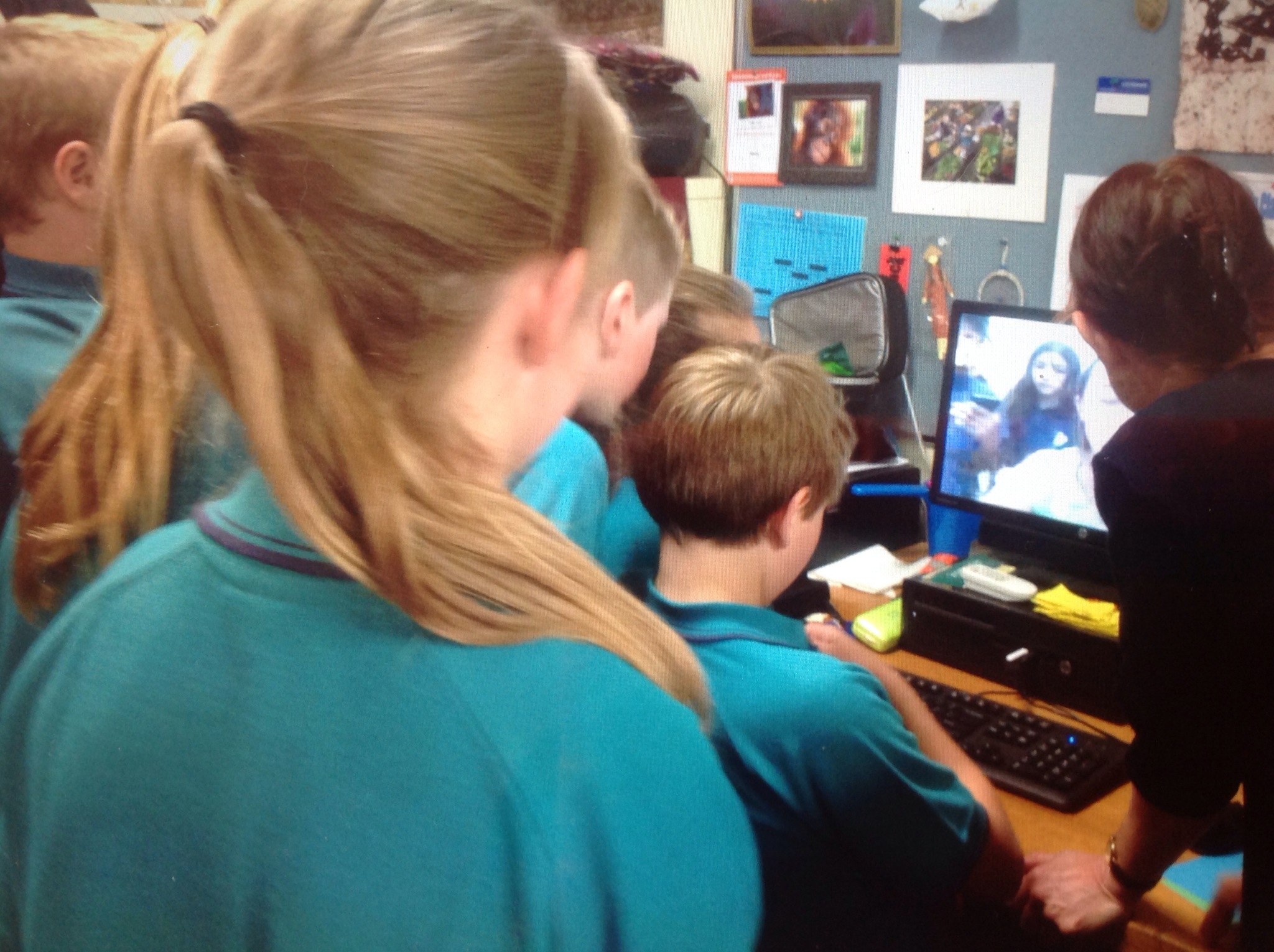
When the year 6’s arrived into class, before they had a chance to open their mouths and ask the well worn question, I announced that their mystery Skype was about to happen and they needed to get organised asap. The excitement in the air was palpable, it was awesome. Teams were quickly setup and the 2 question askers/greeters sat themselves at my desk while I pressed the red phone symbol on the Skype website.
IMG_8718.JPG
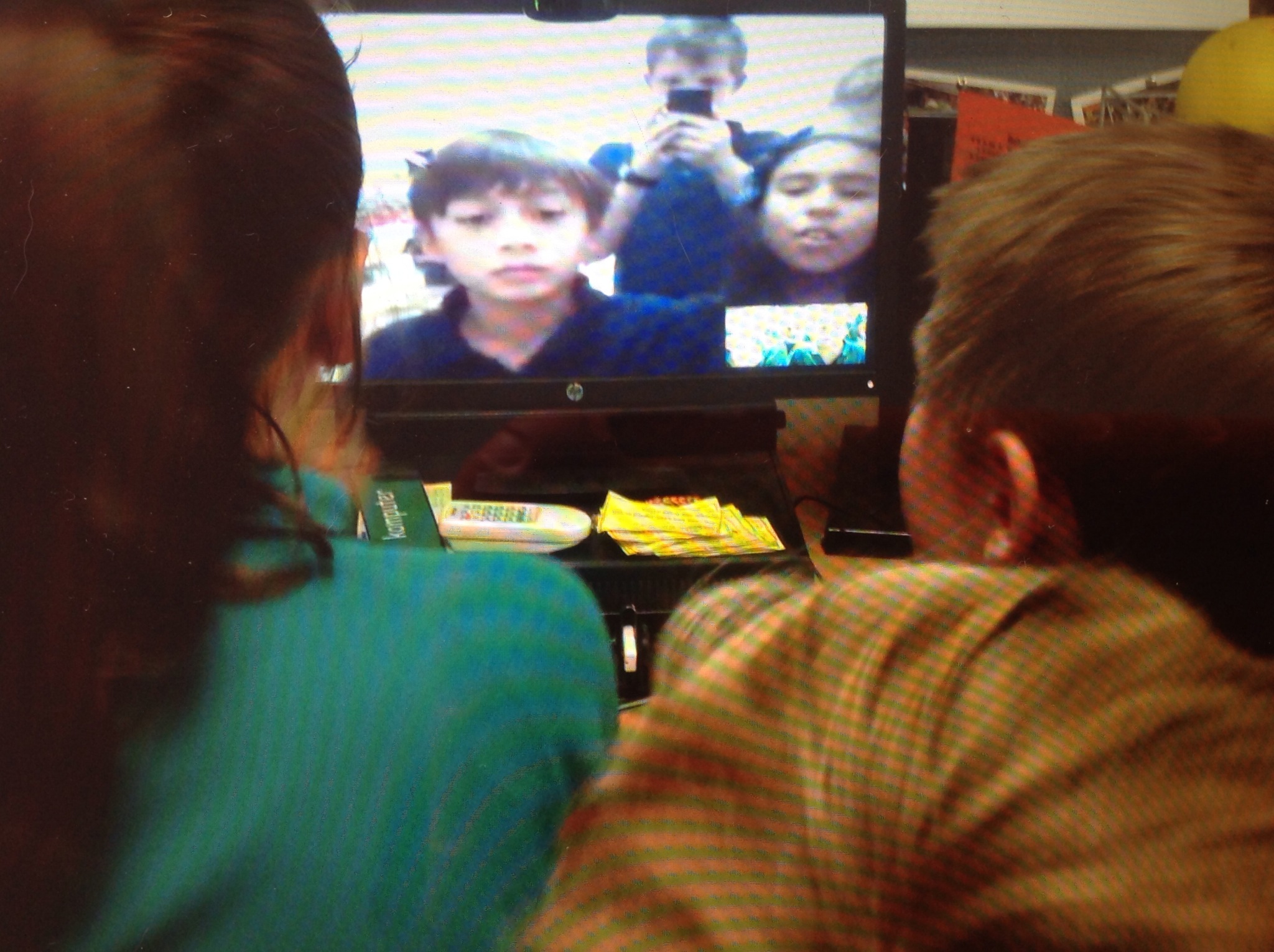
Harry & Ruby introduced themselves and we were off. Whereas they quickly guessed we were from Australia (our accents were a dead give away), the year 6’s were side tracked early by the percieved American accent of their greeters. Thankfully they quickly reigned themselves in and returned to a better opening question to determine which hemisphere they live in.

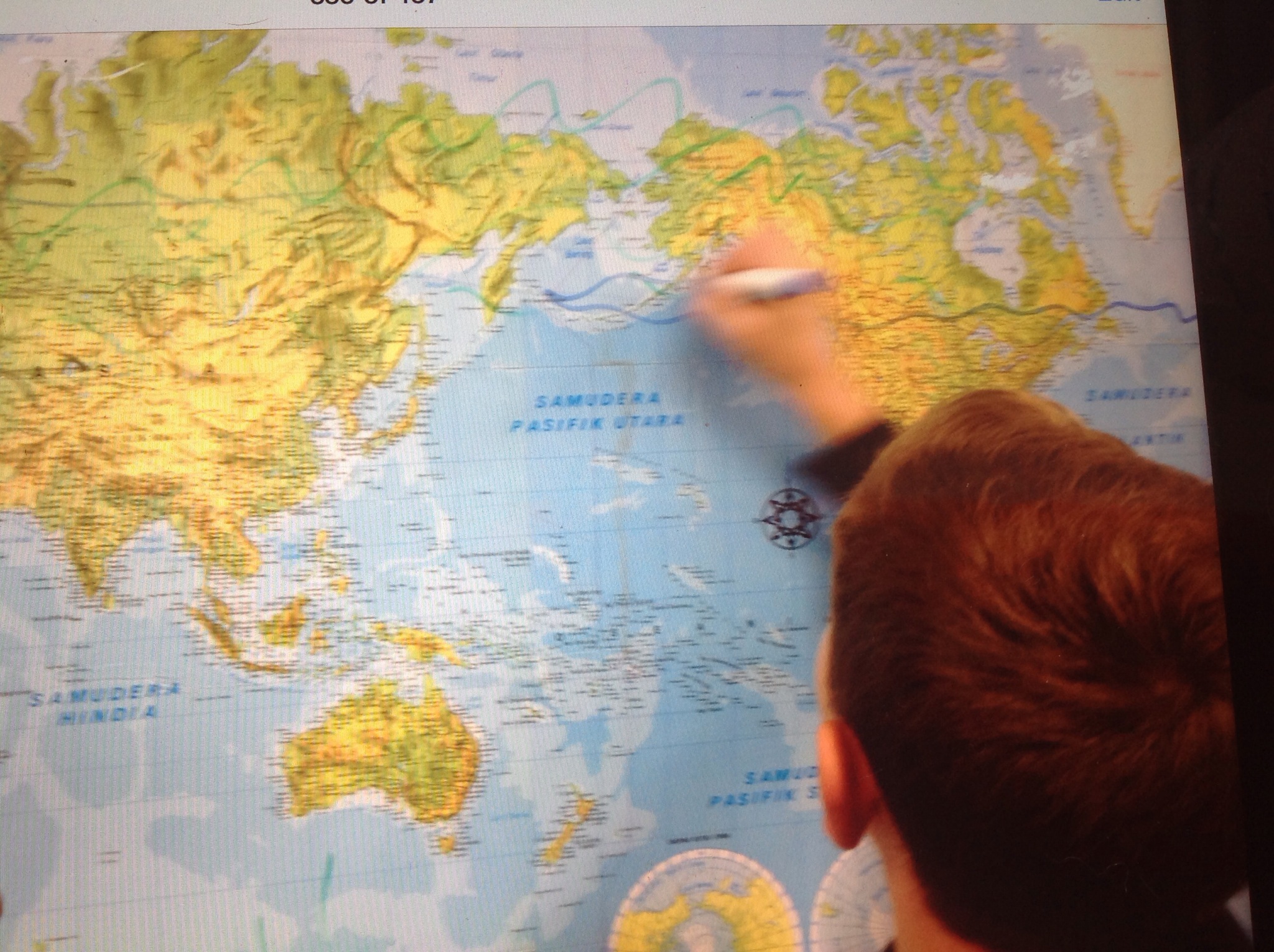
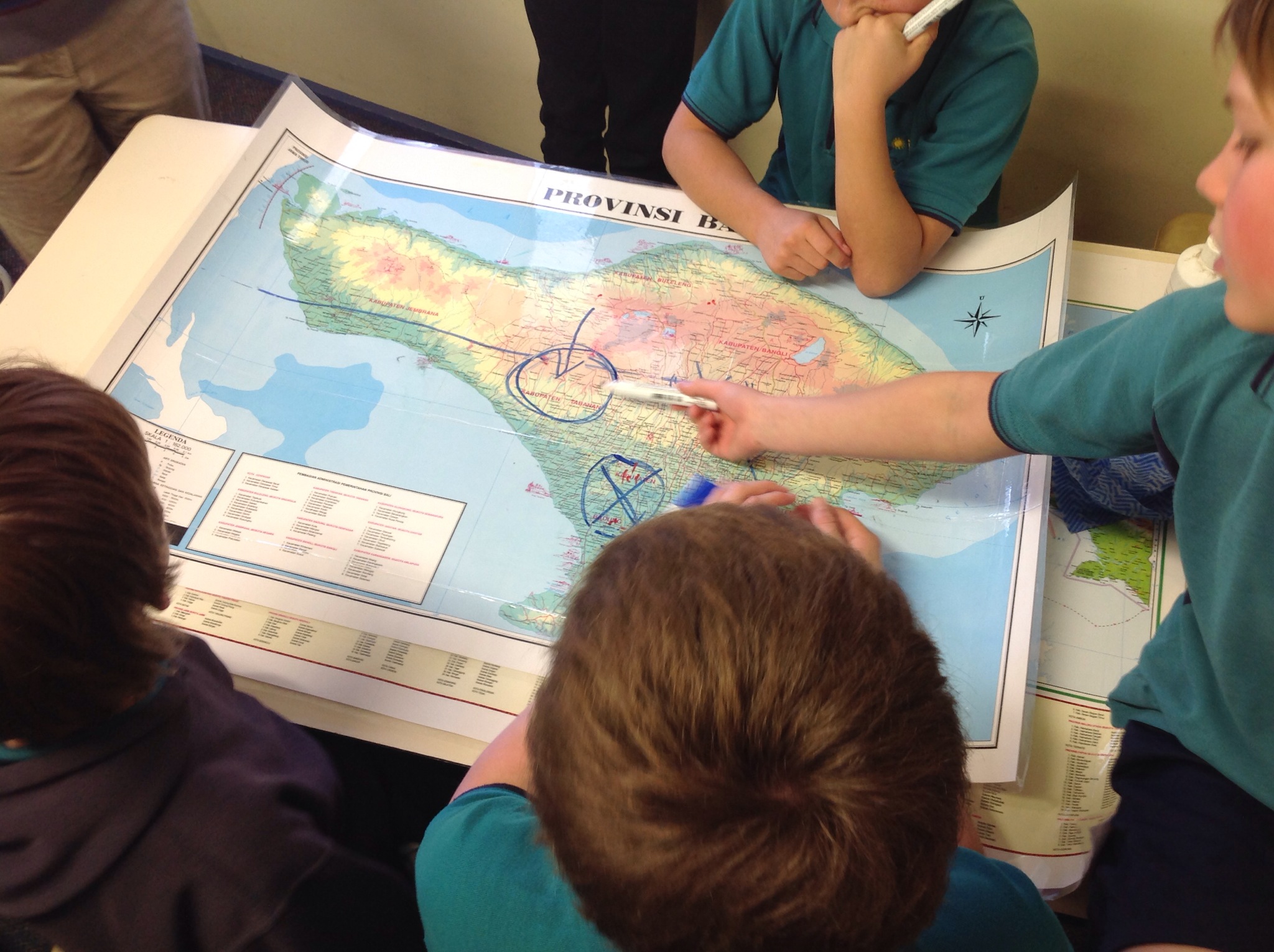
IMG_8715.JPGThe mappers began with the map of the world on the back wall, progressing to the maps of South East Asia and eventually to the large map of Bali. I was again amazed that the maps seemed to be the ‘atlas’ of choice over the Google Earth. Our year 7 teacher/ICT coordinator, Kathy, joined us for the Mystery Skype and we discussed this interesting development. Maybe when we Skype a non-Indonesian country and I don’t have detailed maps for them to use, Google Earth might be more popular. It was great having another adult in the room to discuss it all with and to soak up the atmosphere together. It really was electric and unless you have experienced a mystery Skype, it is so hard to explain or describe it without sounding like a total nerd.
The logical reasoning team did a brilliant job, dealing with the high pressure both from themselves and others. The right question was finally asked, “Are you in Sanur?” before unfortunately our lunch bell rang, so we had to being it all to a very abrupt end. We just had enough time to share with them our location and for Harry to ask Lachie for his Instagram name before saying goodbye.

IMG_8717.JPG
It was an absolutely brilliant experience and in retrospect a great way for 2 classes to meet each other. Nadia and I are really keen to continue the link between these two classes and have them investigate aspects of culture together about which I am sooo excited. It will be a very Interesting study for both groups and should blow quite a few myths out of the water!
A truly awesome experience. Thanks to Year 6 PEPS & Year 5 BIS for making it so.

IMG_8719.JPG

Harnessing Volcanic Energy – Geothermal Power

What a fascinating topic! I have just discovered (on Twitter) that Indonesia has very recently changed legislation to cut the red tape currently needed for harnessing energy from volcanoes. Read this article about geothermal energy, how it is harnessed and how earthquakes surprisingly help geothermal plants.
From this article, students would be able to brainstorm many inquiry based questions around a topic which appeals to students of all ages.

IMG_8711.PNG Geothermal plant in Iceland
source: http://www.photoree.com/photos/permalink/5824949-42244487@N04

iMovie Trailers – A Fun & Easy Icebreaker!

What a fantastic idea to use next week with a group of visiting Indonesian students and teachers. They will be in our school for just the afternoon and working with 2 different classes as a once off. I have been wracking my brains to come up with a project idea whereby students collaborate together on the iPads. This is perfect! Thanks & great timing!

teachingwithipad's avatarteachingwithipad.org

iMovie trailers on iPad/iPhone/iPod touch

Here is a great ice breaker activity for you if you have a few iPads to use in your classroom. iMovie comes free from Apple with new devices. If you have an older iDevice, it will cost you $4.99USD.

You will need around one iPad per group of 2-6 students. Or, if you only have one iPad, create a trailer as a class.

iMovie trailers is a very fun and easy way to create awesome short videos. Your class will probably be able to finish within one to two hours.

Note that you don’t need to worry about any spoken lines. Have your students first choose a theme, then figure out the written parts either before or during filming.

How to film, step-by-step

Have groups of 2-4. Students should take turns filming and make sure each person is featured in the movie.

1. Open iMovie…

View original post 667 more words

There is/There are

Indonesian has the same high frequency word for ‘there is’ & ‘there are’ and is also a tricky language concept to teach. I love this teaching suggestion and would rename it, “Ada apa dibawah topi?” Would be great for all ages and the question in itself lends itself to a variety of topics.

Martina Bex's avatarThe Comprehensible Classroom

Screen Shot 2014-08-29 at 7.51.59 AM

Hay–the word for “there is” or “there are” in Spanish–is one of the highest frequency structures in any language. However…it’s not one of the easiest to teach because it is difficult for students to form a mental picture with which to associate it. As with any new structure, give your students the translation (ideally, in written form; for pre-literate kids, tell them what it means verbally and remind them several times) and establish a gesture for it. It is important to give them the translation in addition to the gesture so that they do not misinterpret the gesture. My gesture for “hay” is to stand with my hands in front of me, open-palmed and beside each other, and then to dramatically pull them out to the sides, as if presenting something, like, “Here you go! Here it is!” (I keep promising one reader that I’ll film all of my gestures…one day…).

After…

View original post 568 more words

Mystery Skype Practise With Pak Bagus & Kak Dayu

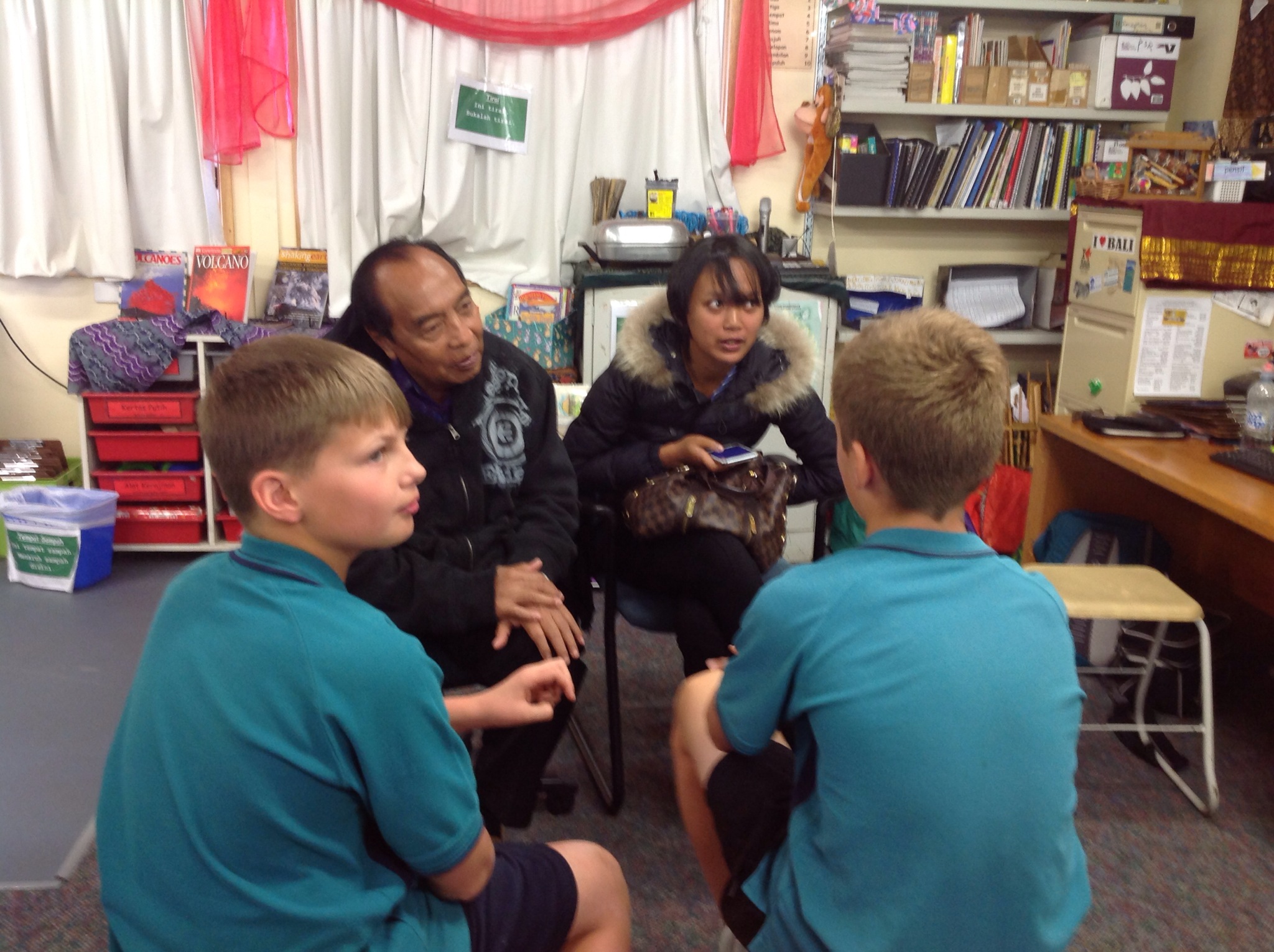
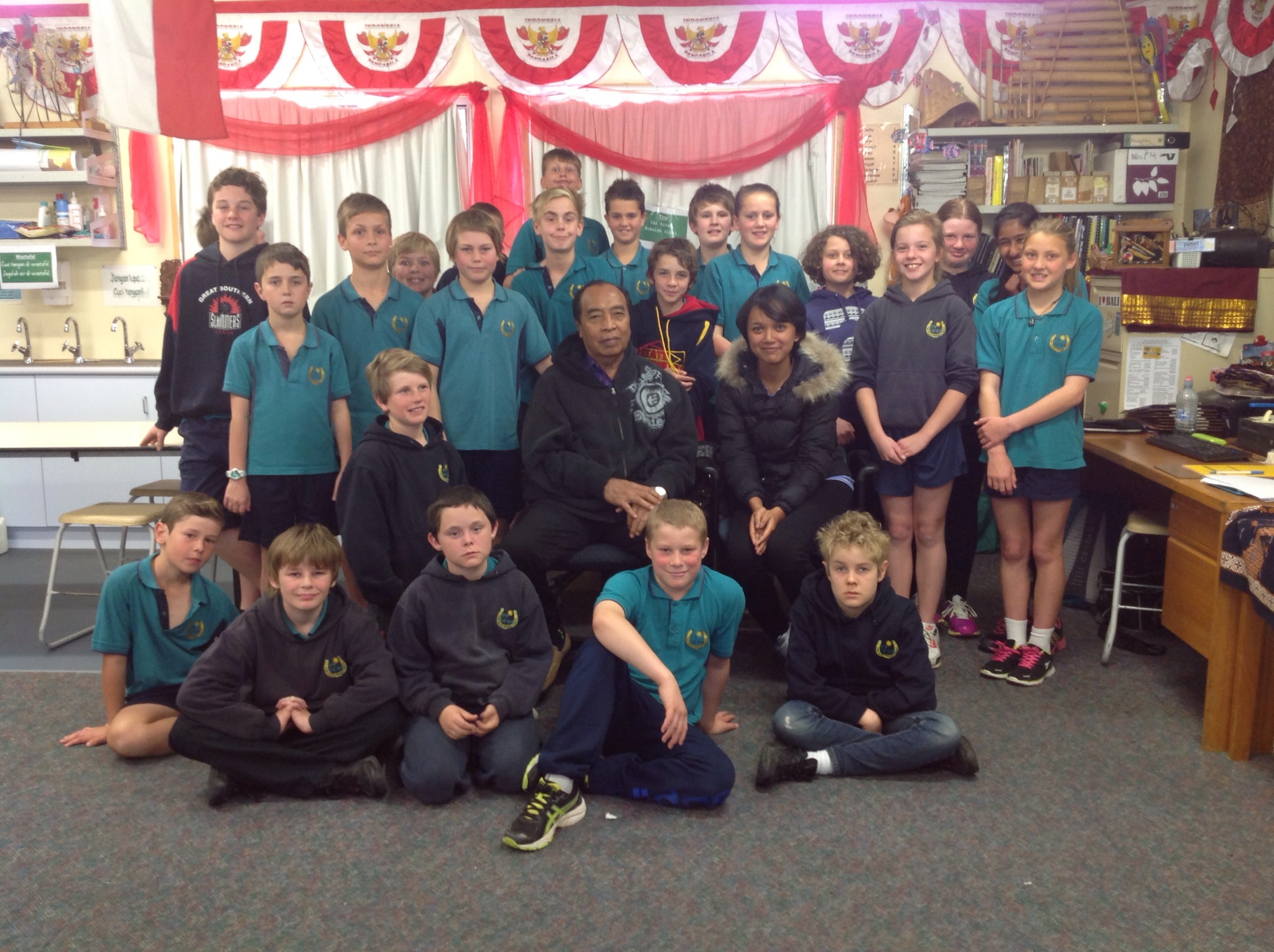
2 Weeks ago, our school was lucky once again to be involved with the amazing APBIPA program whereby we hosted several Indonesian visitors who wish to experience first hand Australian Languages pedagogy. Leading up to the visit of Pak Bagus & his daughter, Trisna (Kak Dayu as she was known to students), I promoted their upcoming visit with both staff and students and to parents via the school newsletter. One aspect though that was kept secret, was their origin. This was so that students could have a face to face experience of Mystery Skype.

I found a google doc outlining the jobs a class in America uses for Mystery Skype. The job list for participating students sounded good, so we used that to get us started. Here are a list of the jobs we adapted (copied) from their suggestions:
Mappers
Google Earth Mappers
Logical Reasoners
runners
Supervisors
Question askers & Greeters (combined)
Question Keepers
Photographers

After discussing the duties and responsibility of each job, students then chose which job they would like to do and when we had too many names, we firstly played om pim pah and then rock, paper, scissors to whittle down the names.

Our Question Askers/Greeters did a great job in all 3 classes. They sat on stools in front of our guests who sat in comfortable chairs They began by first introducing themselves to Pak Bagus & Kak Dayu and then chatted generally to fill in the time while waiting for the Runners to pass on the question from the Logical Reasoners. Observing the relaxed and polite manner in which the Question Askers/Greeters chatted was really lovely to witness and it was great for them to have the opportunity and time to do so. Consequently the students discovered quite a lot of additional facts about Pak Bagus & Kak Dayu.

IMG_8690.JPG

IMG_8683.JPG

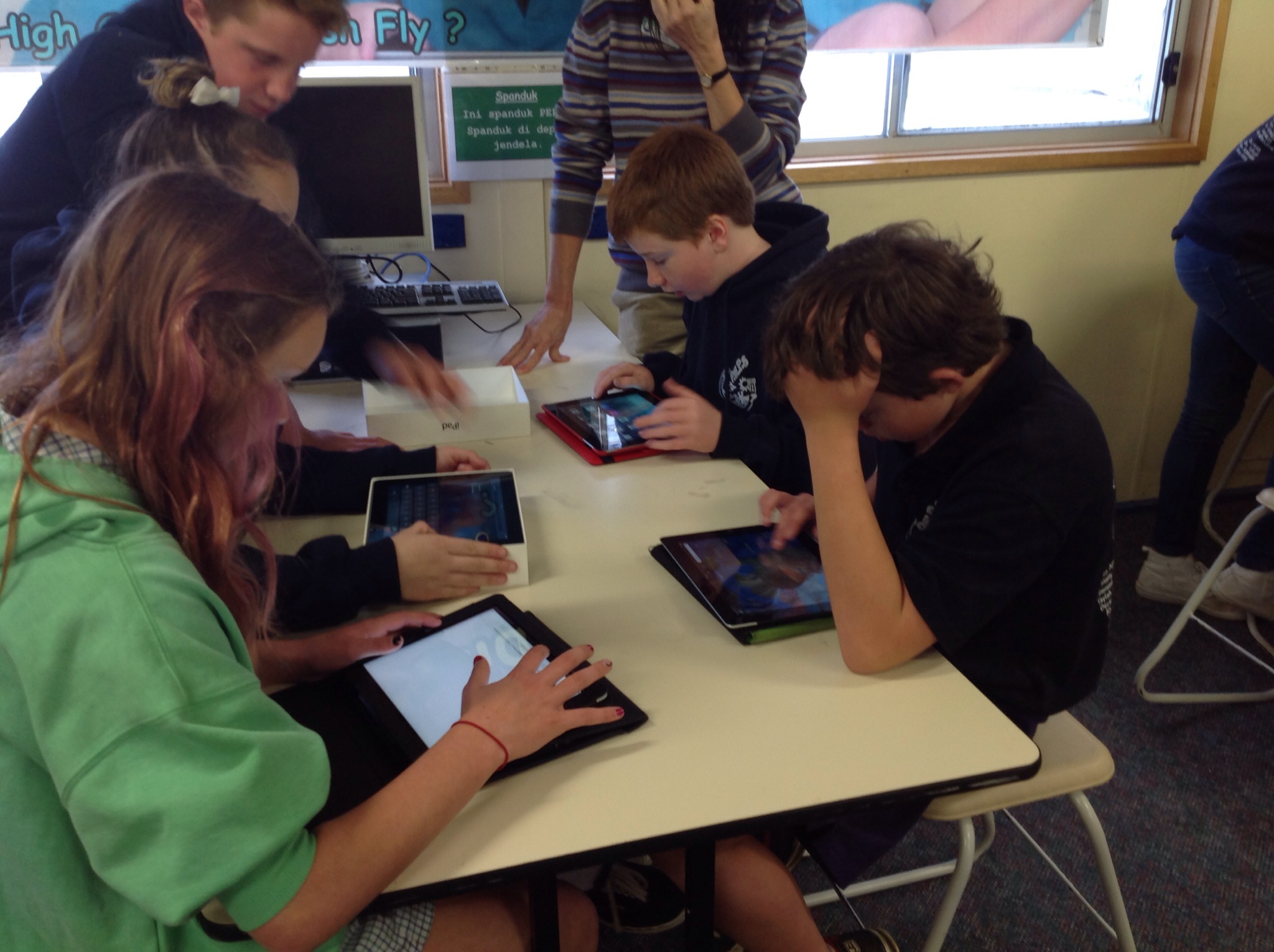
The Google Earth Mappers struggled with using Google Earth on the iPads. Their inability to keep up with the search was also due to the fact that at times, the runners did not fully consult with them nor keep them updated with the latest discovery. We now have 2 computers set up in the Indonesian classroom which should help enormously during a ‘real’ Mystery Skype!

IMG_8680.JPG

IMG_8684.JPG

The Logical Reasoners did a brilliant job working collaboratively with the mappers. I realised late in the lesson that I needed to remove myself totally from this part of the room. It was the most exciting place to be but I was not helping them by adding comments and suggestions. It was so hard to relinquish control! However, once I did so, I discovered that I preferred being the observer and watching how the students were collaborating together. It was such a great sight.

IMG_8682.JPG

IMG_8689.JPG

The Question Keepers did an awesome job. They waited patiently between questions and worked collaboratively to record both the questions and the answers. I felt that they weren’t consulted as much as they should have been to ensure questions weren’t repeated, but I’m sure this will be rectified during a ‘real’ Mystery Skype when the competition will be fiercer and tighter.

IMG_8681.JPG

A couple of the Supervisors lacked confidence both in understanding fully their role and also in their own ability to keep others on track. We did have a few students in one particular class who chose not to contribute in any way to the Mystery Skype and the supervisors made a combined decision to ignore them – a valuable and useful teaching techniques I occasionally use myself!

The photographers did an awesome job and the great photos in this blog are proof of that!

All 3 classes thoroughly enjoyed this dummy run and are even more impatient to have a proper Mystery Skype session!

IMG_8691.JPG

IMG_8692.JPG

A Dream Photo Shoot Through APBIPA

Over the last 2 weeks, 2 schools on the south coast were extremely fortunate to have met Pak Ida Bagus Sudana & his 19 year old daughter, Trisna. Their visit was coordinated entirely by Pak Nyoman from APBIPA and as usual our visitors were perfect Indonesian ambassadors who supported the Indonesian Language program beautifully.
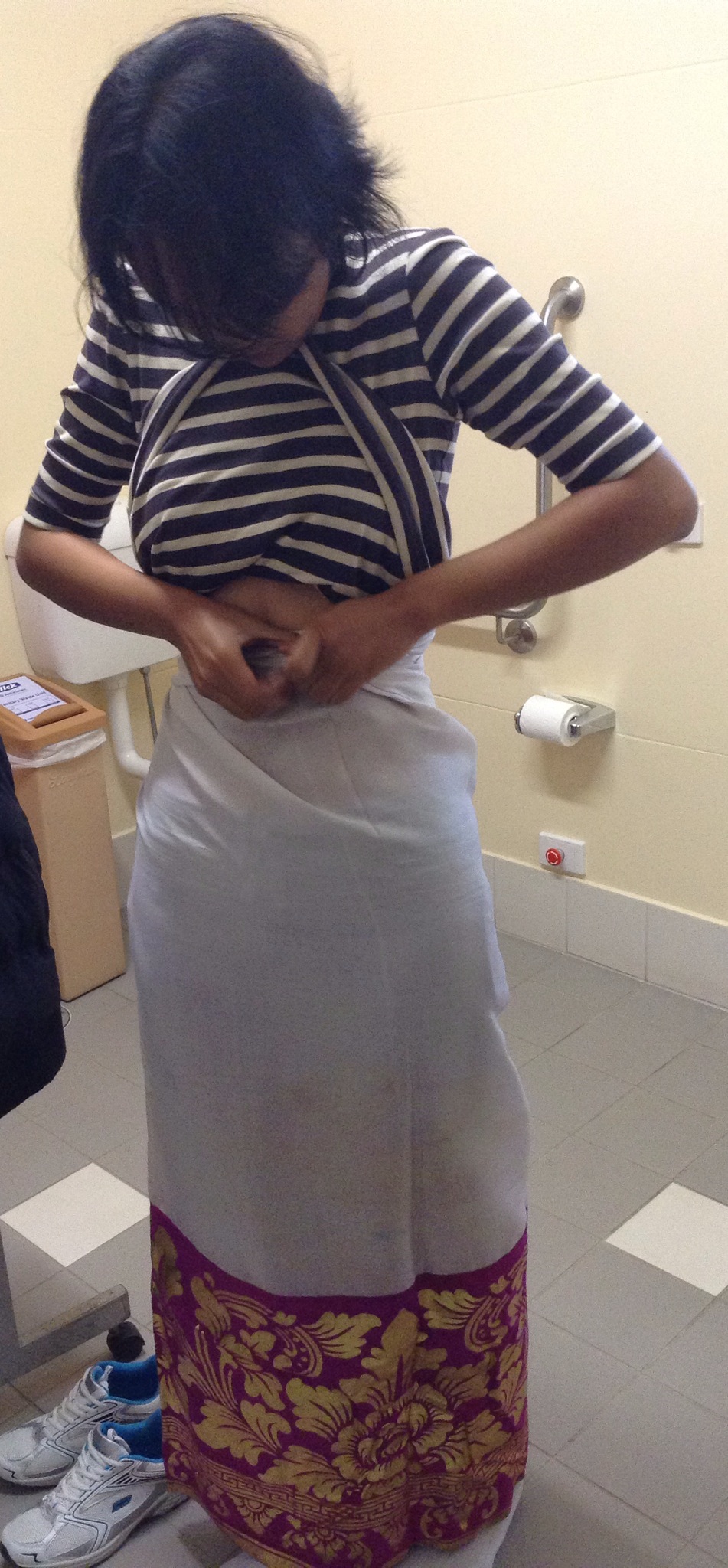
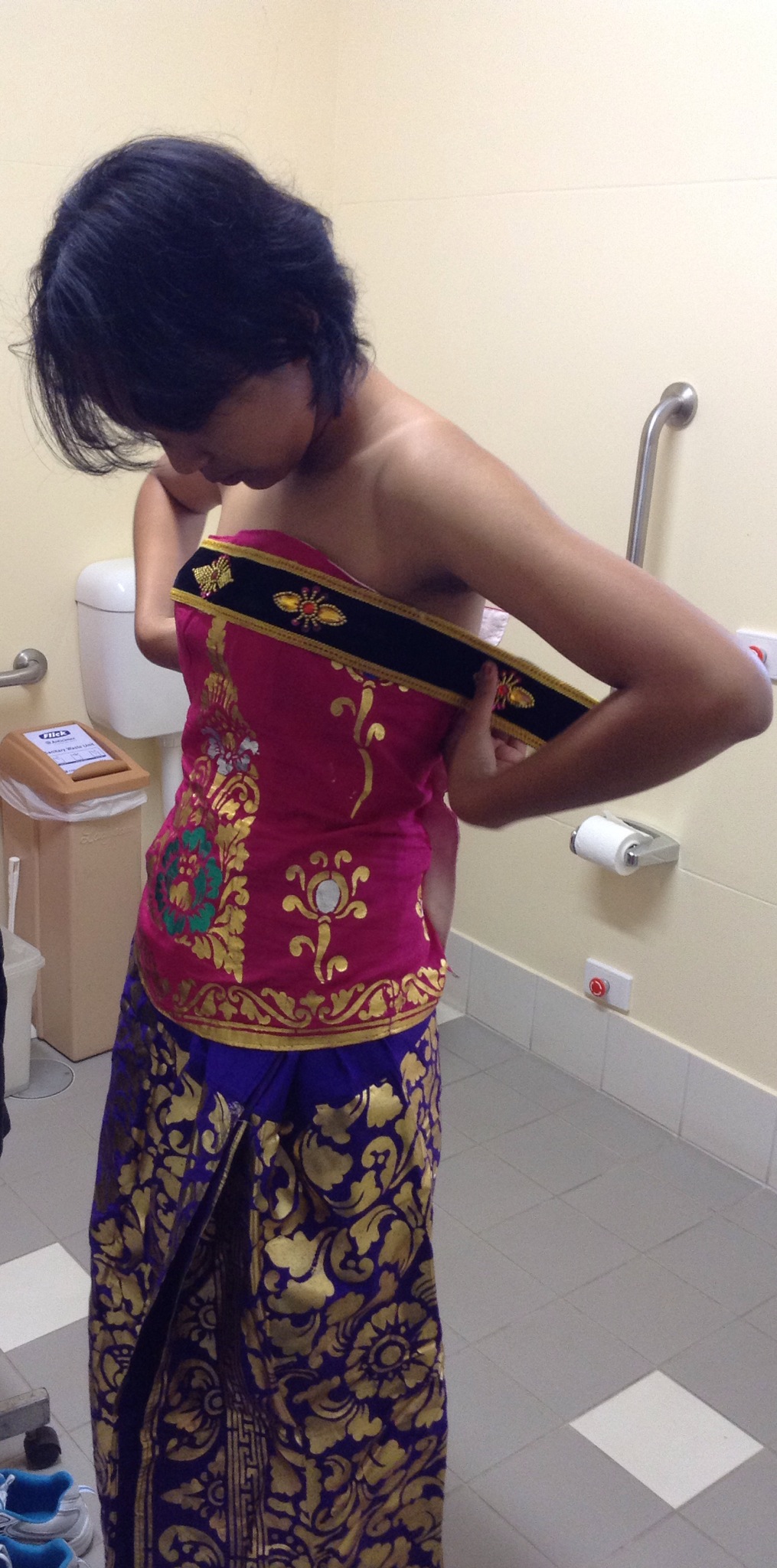
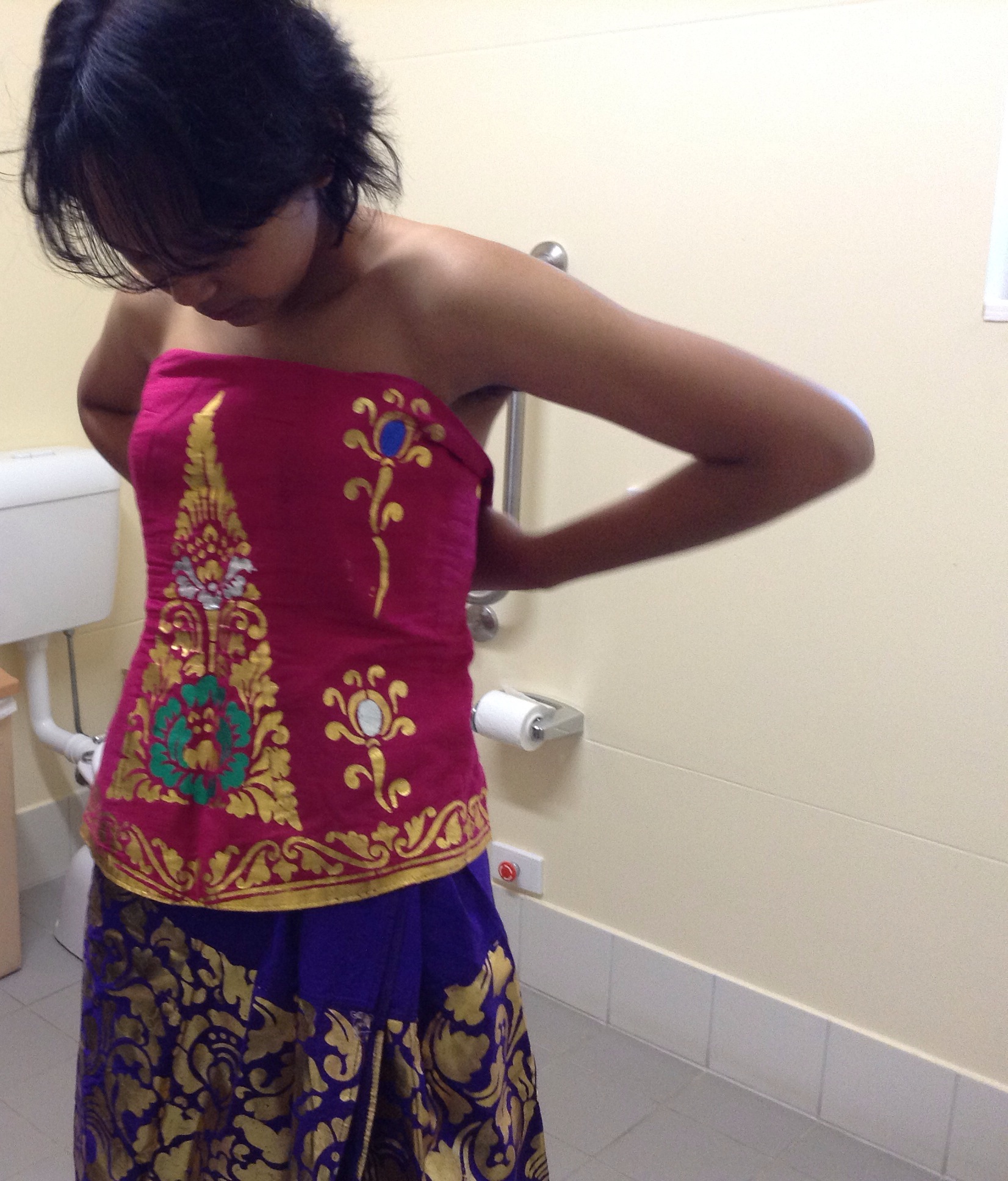
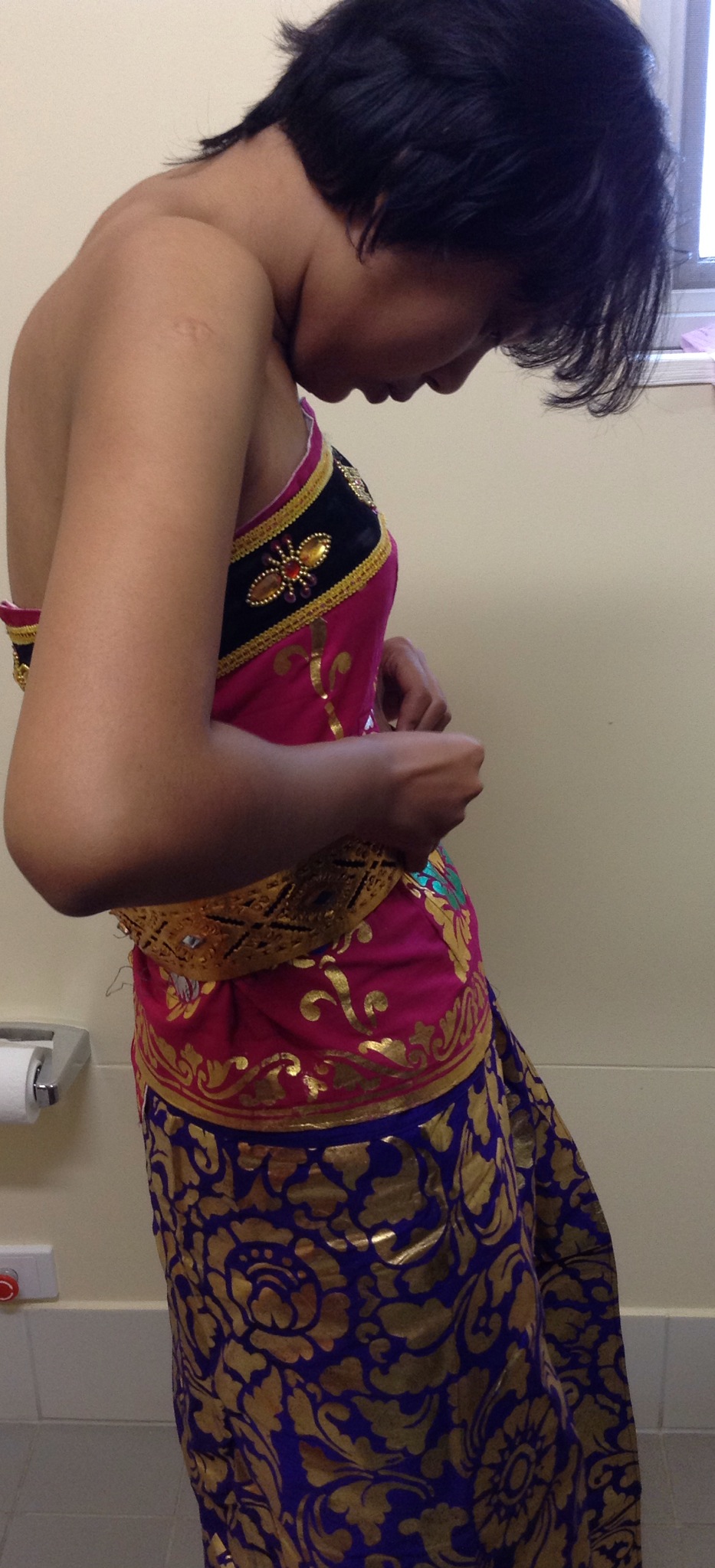
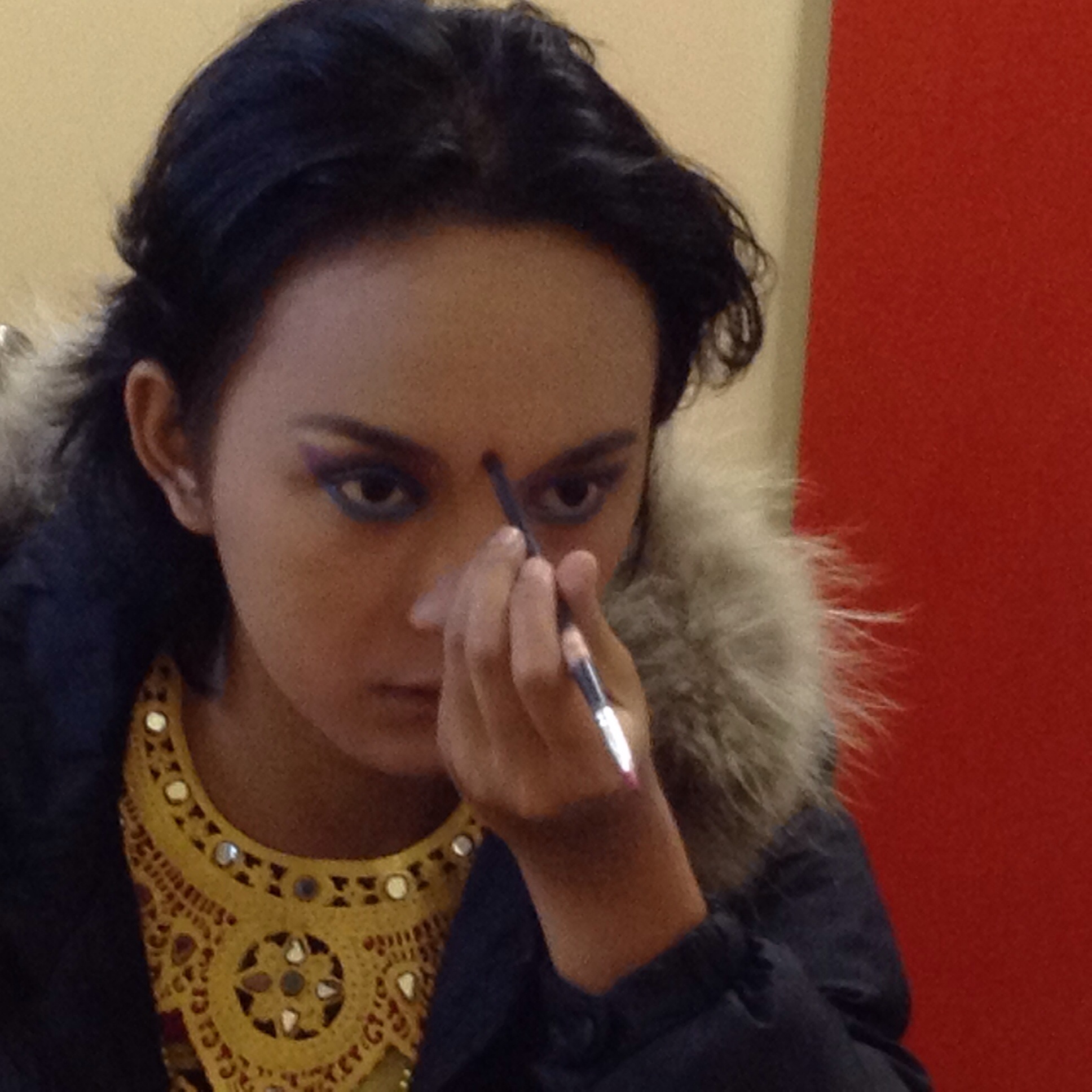
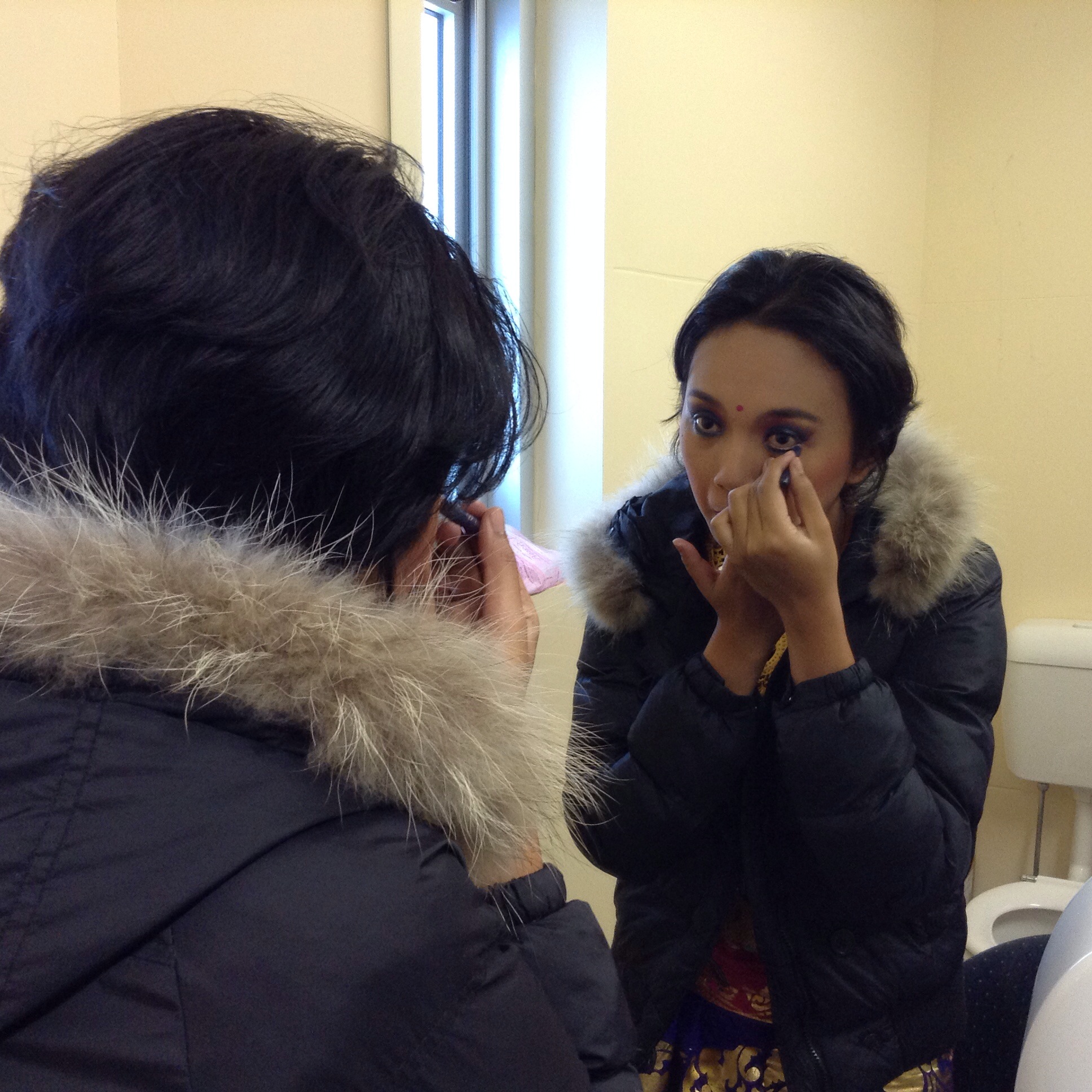
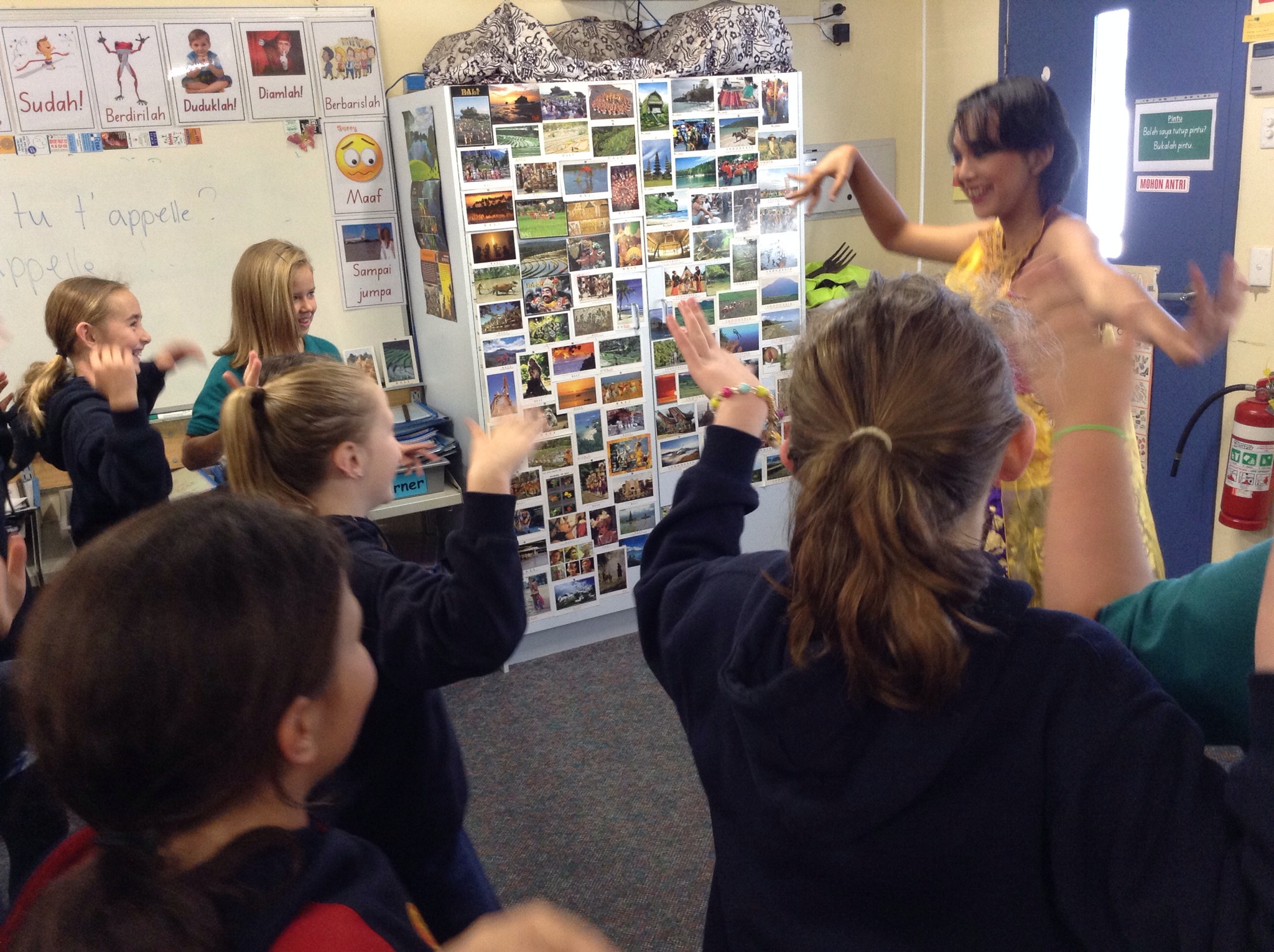
For me, the event that blew me away was the privilege of watching Trisna prepare for Tari Puspanjali (the welcome dance). The entire time I was taking photos, I wanted to pinch myself. Having Trisna all to myself to photograph! How rare is that – being able to watch a dancer prepare for a dance? In Indonesia, she would have been surrounded by family and friends all helping, here all she had was her father and me, although my expertise was limited to doing up a few safety pins!
Here are just a few of the photos I took: IMG_8384-0.JPGIMG_8396.JPG

IMG_8391-0.JPG

IMG_8390-0.JPG

IMG_8418.JPG

IMG_8400.JPG

IMG_8410.JPG

IMG_8402.JPG

IMG_8422.JPG
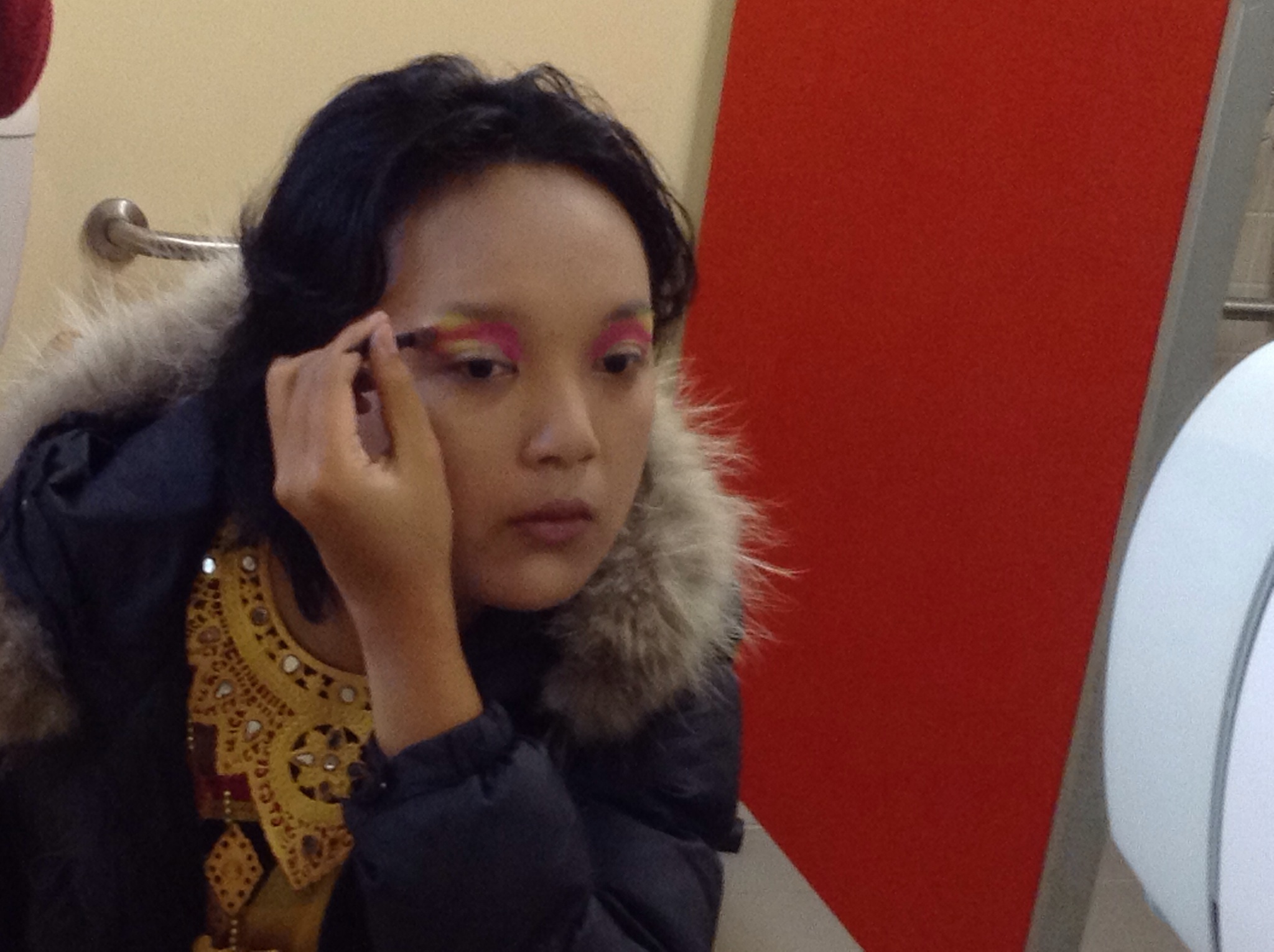
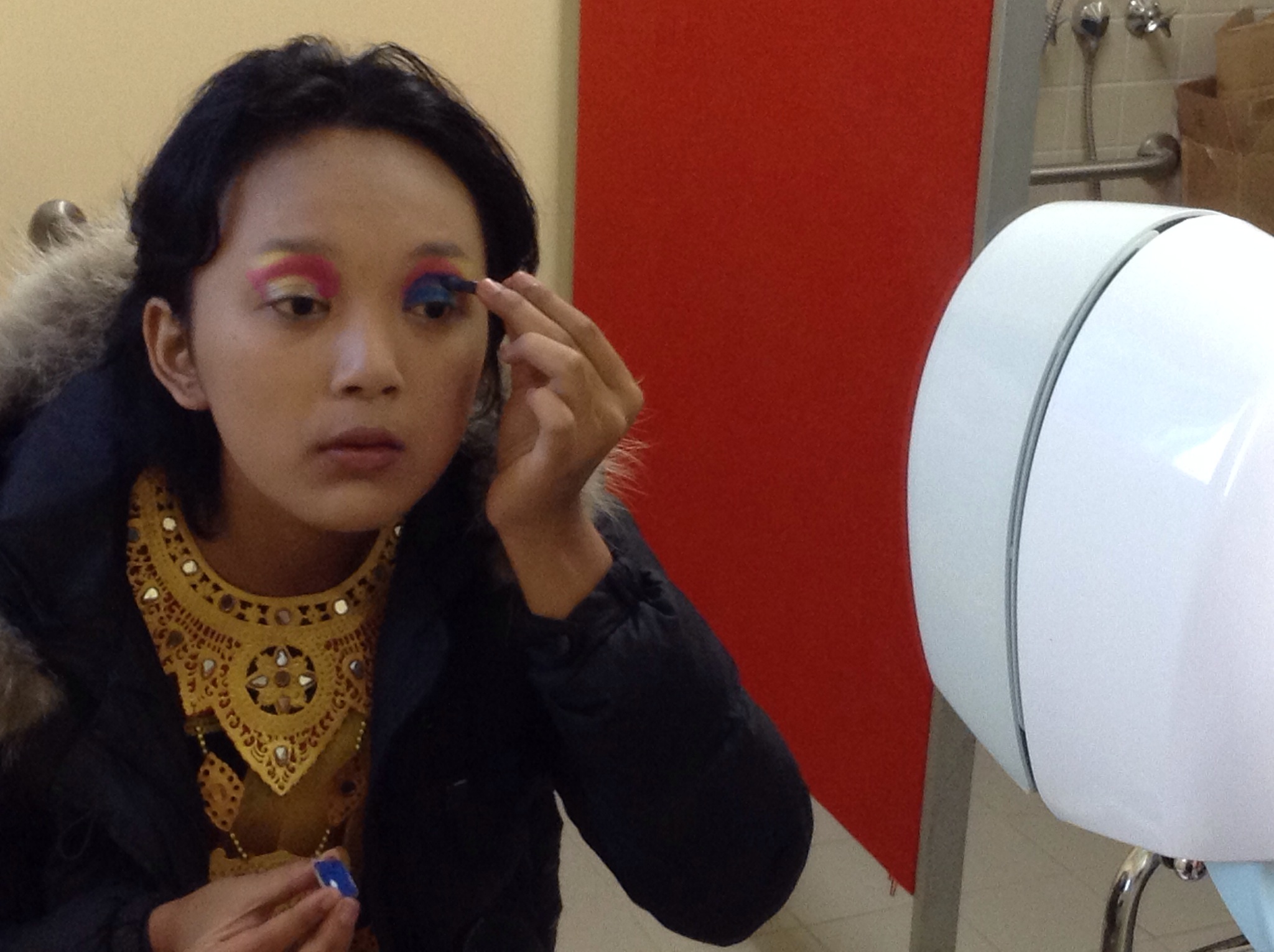
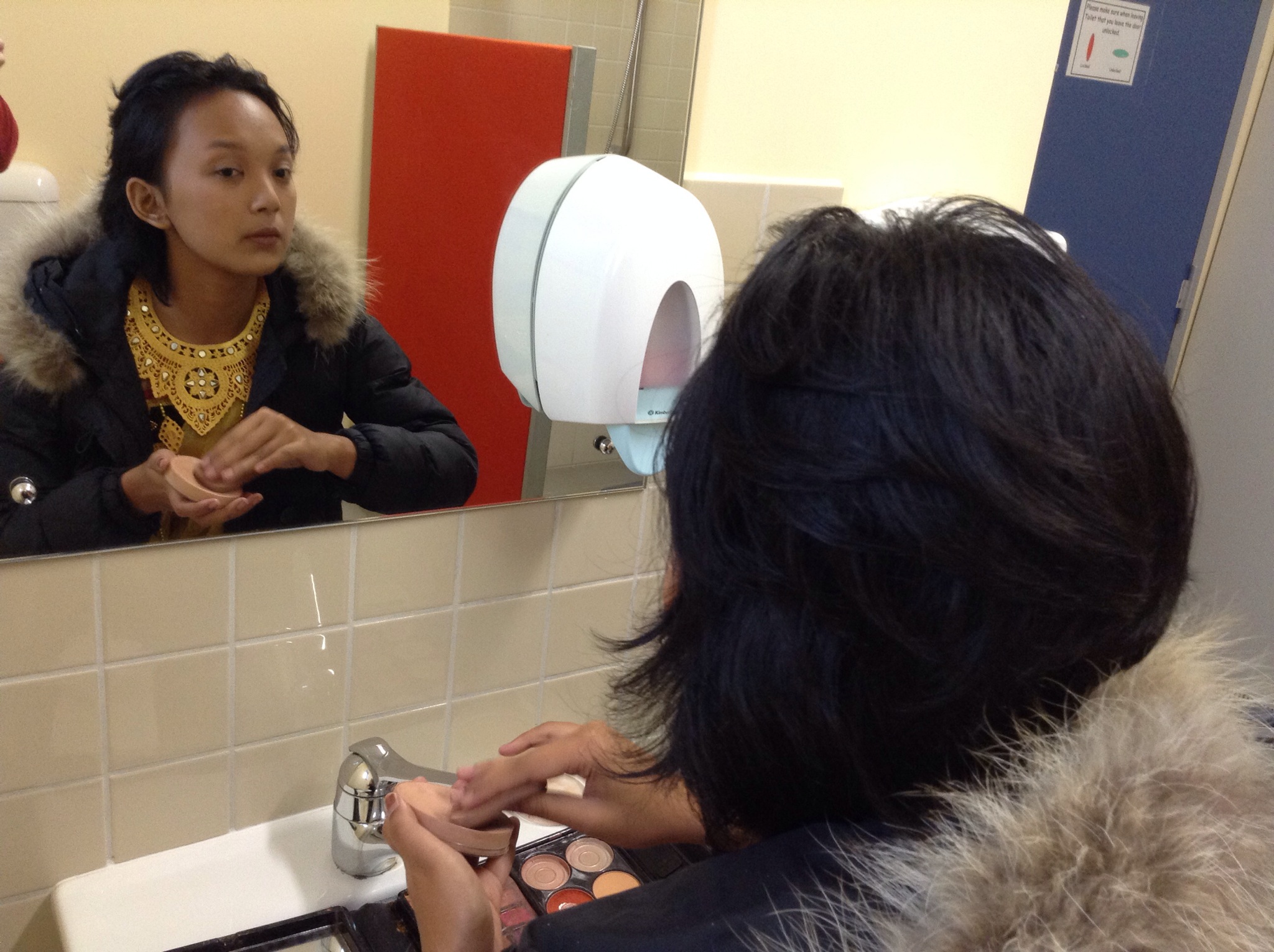
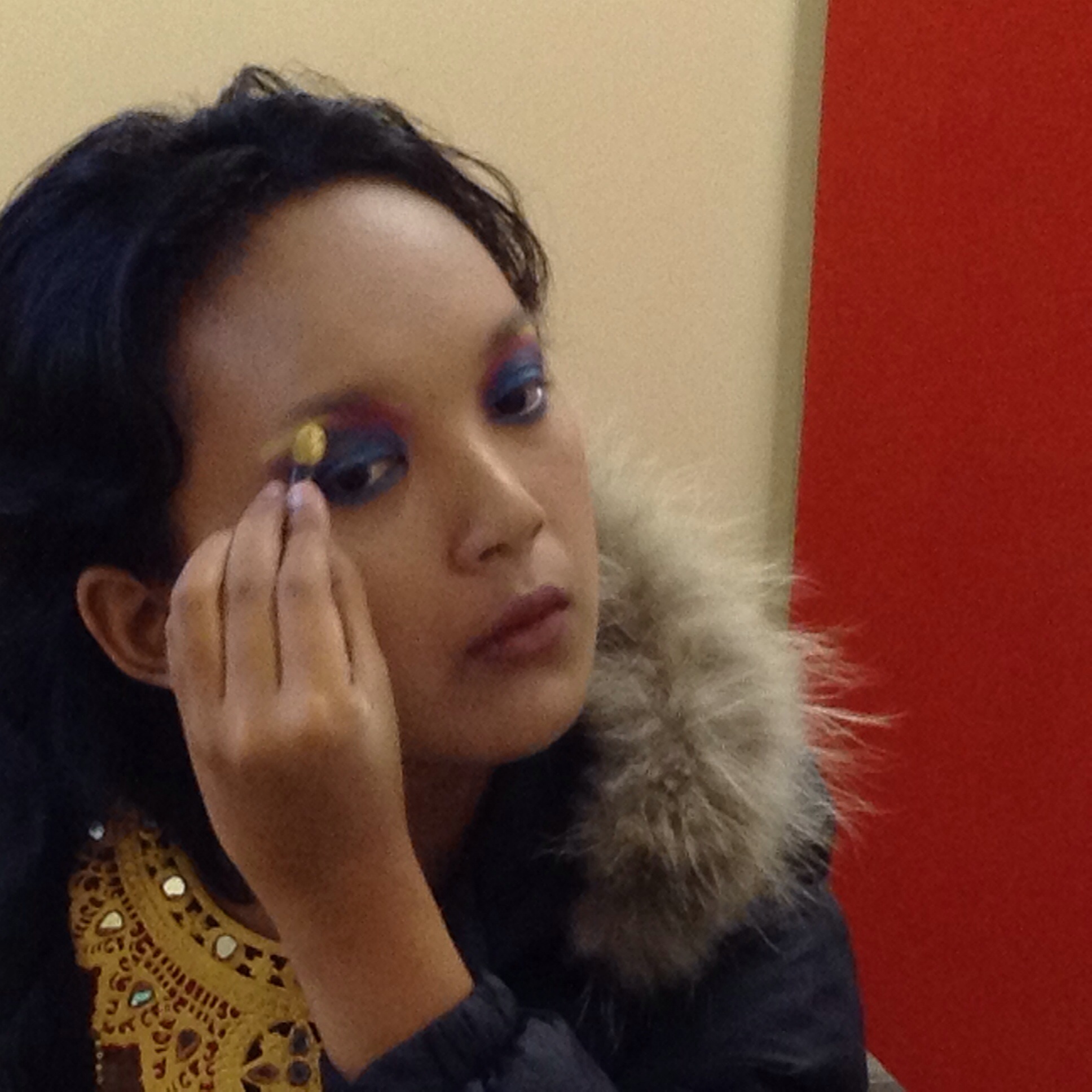
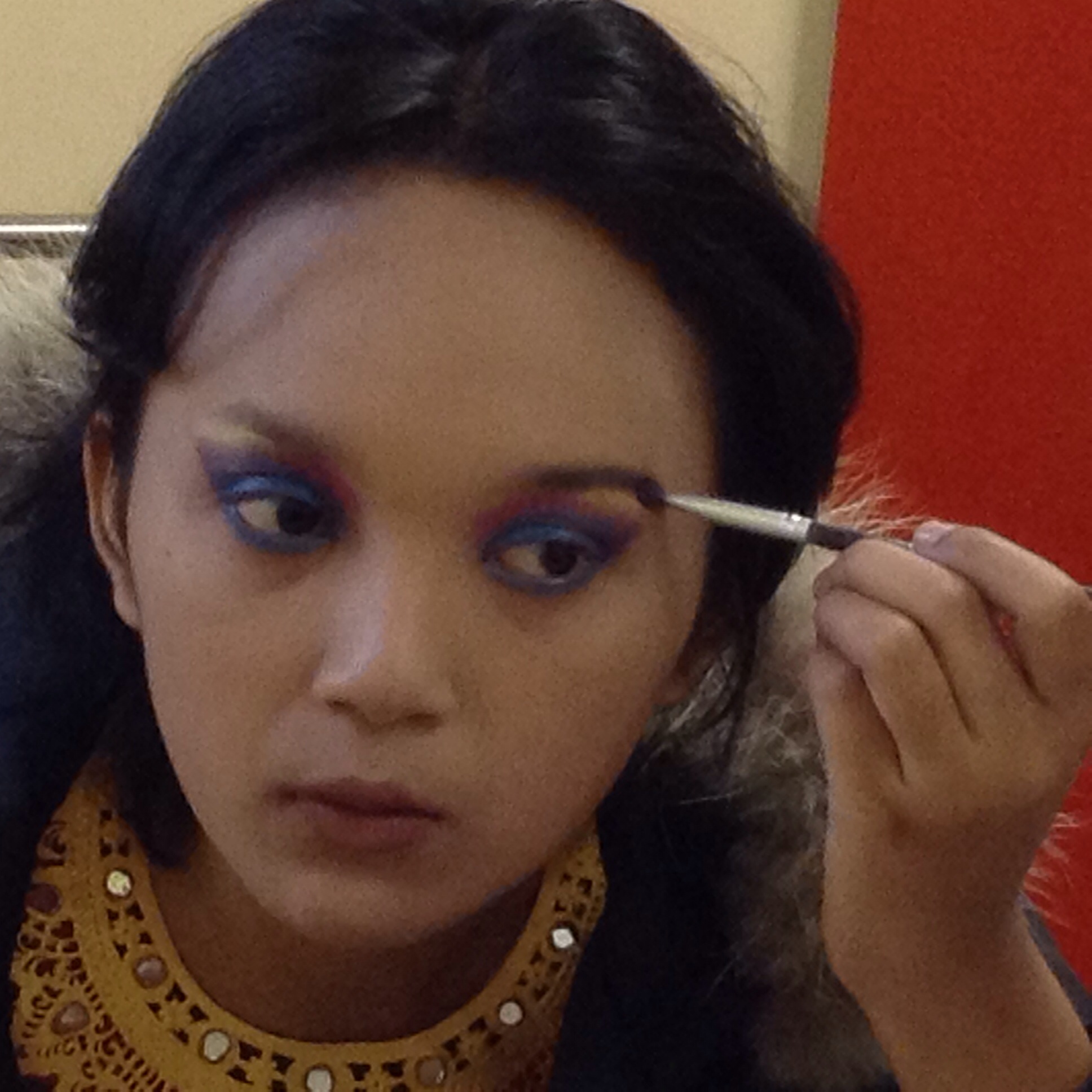
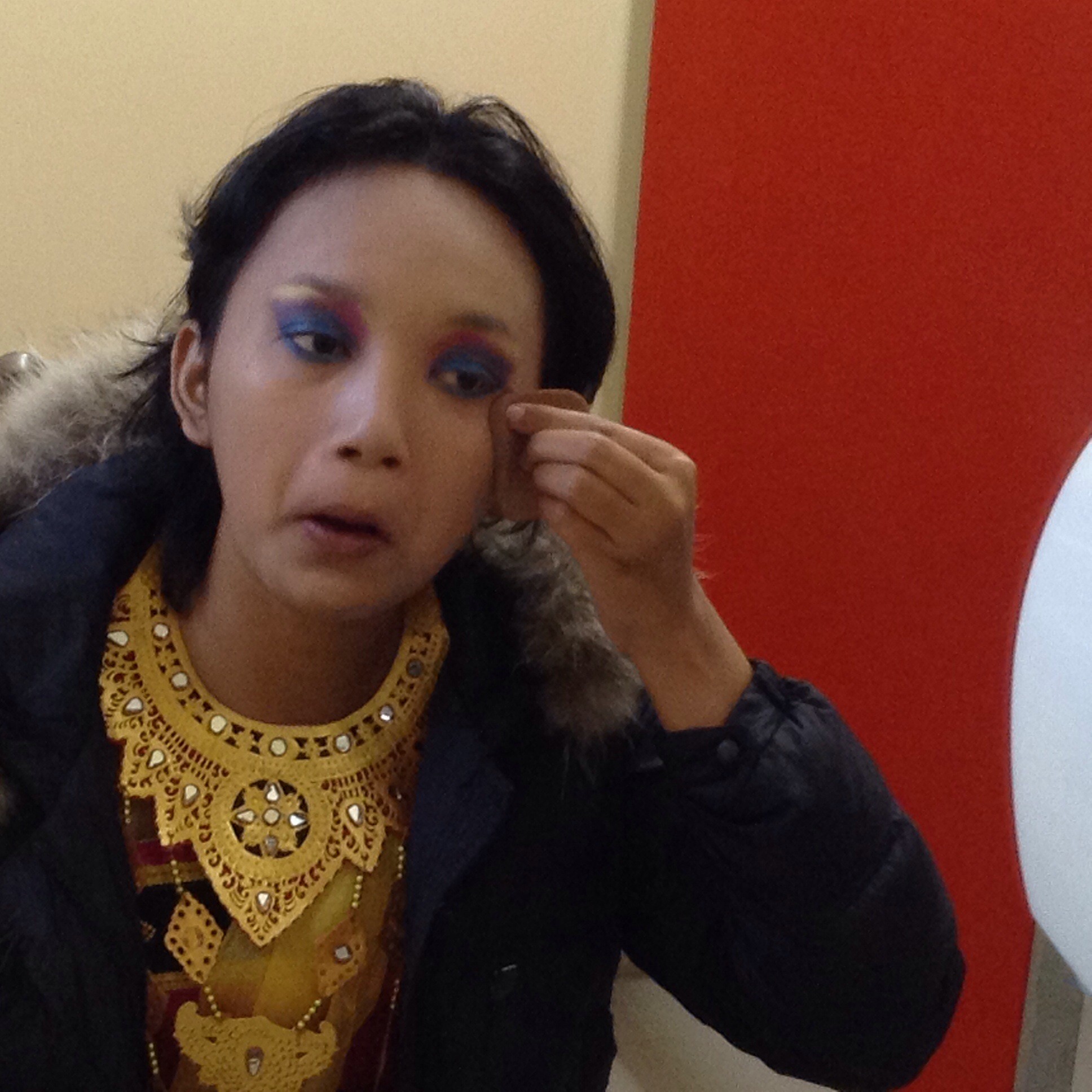
Trisna then put her jacket back on as it was quite chilly and then began applying her makeup:

IMG_8445.JPG

IMG_8450.JPG

IMG_8429.JPG

IMG_8435.JPG

IMG_8454.JPG

IMG_8459.JPG

IMG_8466.JPG

IMG_8458.JPG

IMG_8479.JPG

IMG_8496.JPG

IMG_8502.JPG

IMG_8485.JPG

IMG_8548.JPG

IMG_8511.JPG

IMG_8534.JPG

IMG_8524.JPG

IMG_8572.JPG

IMG_8552.JPG

IMG_8581.JPG
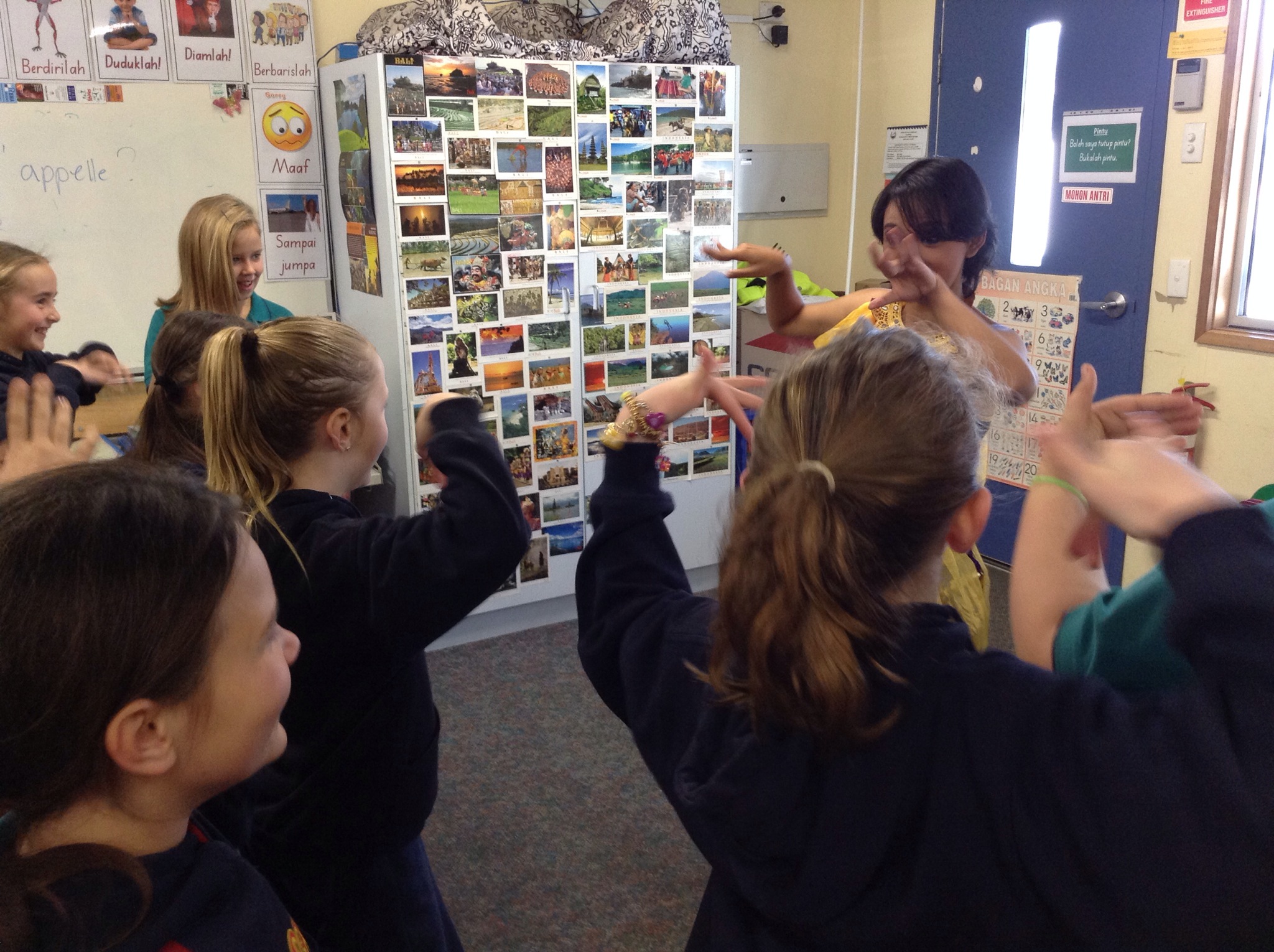
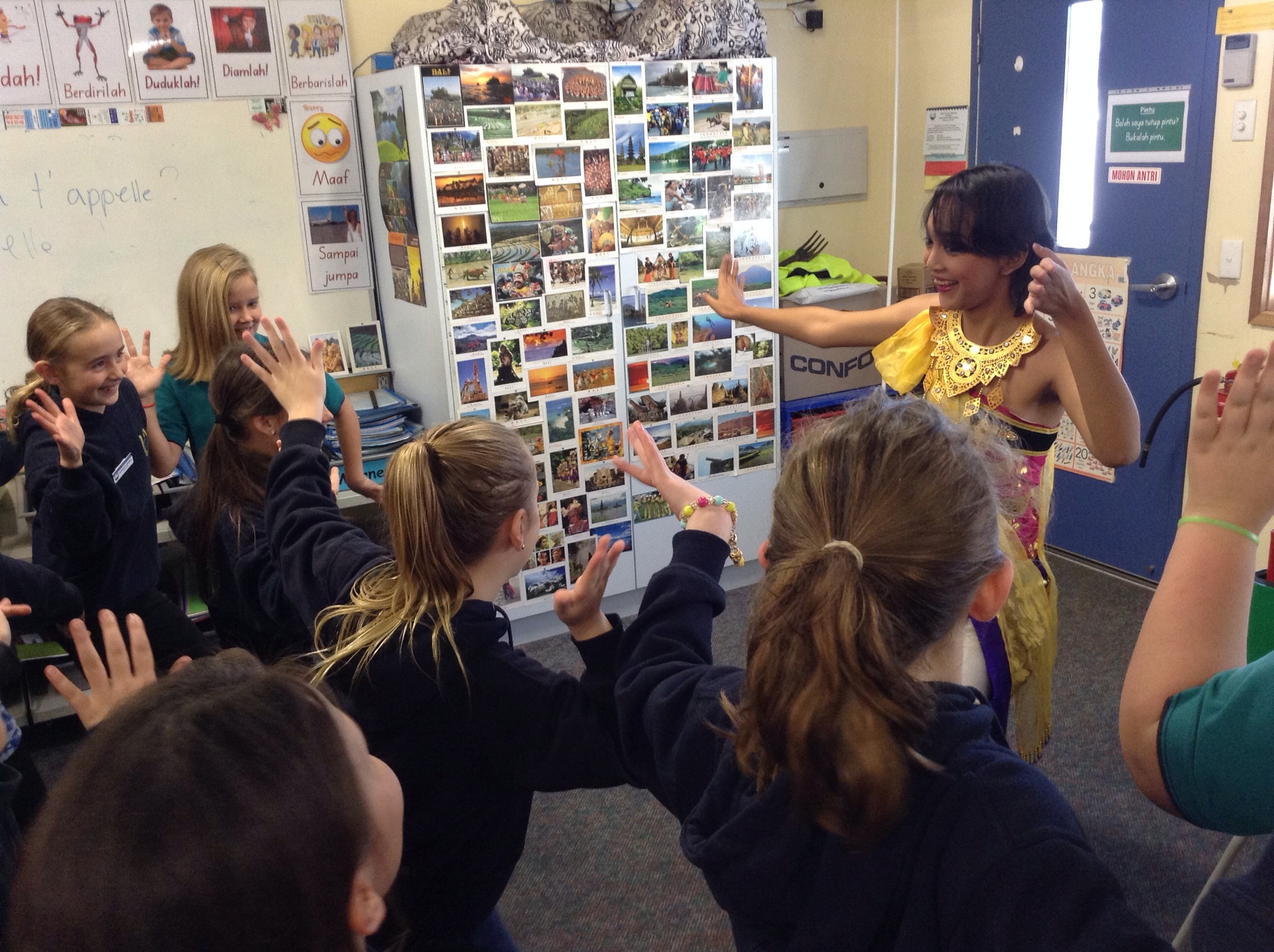
Once the makeup was completed to her satisfaction, Trisna put her runners back on and we headed to class. There waiting for us was the year 4 class who were also blown away by Trisna’s finery and beauty.
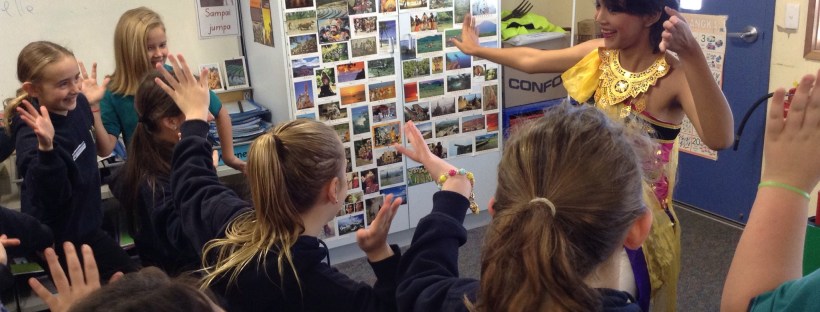
We talked briefly about the dance and the costume and then Trisna led the class through the beginning of the dance. I was very keen for my students to experience themselves attempting the dance because I remember all too well just how hard it is to do from my ELF experience last January in Bali. The dance looks so slick but it isn’t till you dance yourself that it becomes clear just how many difficult aspects there are that need coordinating.

IMG_8584.JPG

IMG_8585.JPG

IMG_8586.JPG

The inaugural Fleurieu Languages Teachmeet

A huge thank you to the Languages teachers who joined us at PEPS for the inaugural Languages Teachmeet. We were a large group of Indonesian teachers, a Japanese teacher and her Japanese Assistant teacher (what an awesome program that would be), a French teacher, Sandy, (a PEPS classroom teacher wanting to experience a teachmeet & in doing so was of immeasurable help & support not only before with the setting up but also during the teachmeet with the timing & taking care of the smartboard & pc) and Kris Paul, a French & German Language teacher with a passion for ICT. We were a good mix of primary and secondary which was lovely.
Even though the teachmeet was scheduled to start at 4pm, teachers were still arriving at 4:20, a testament to just how busy our lives are and how we all managed to squeeze this around other commitments. As a result of the staggered arrivals, we introduced ourselves numerous times before watching a short English youtube clip which explains what a teachmeet is. I chose to do that so that we are all clear on how they run and that we all have the same expectations, especially in relation to the time limit that each person gets to share.
4 people came prepared to share which was brilliant considering we were all experiencing our first teachmeet and in most cases meeting each other for the first time. An instant PLN session!
Kay was the first to share. She explained how she uses set phrases related to her themes (in this case, going on holiday) and has the students chanting them while simultaneously making robotic actions with their arms
– thus combining action with speech to help the vocabulary settle into the long term memory. She then builds on the sentences and eventually students are able to use the phrases to write several sentences, in upper primary, up to a paragraph. IMG_8609.JPG
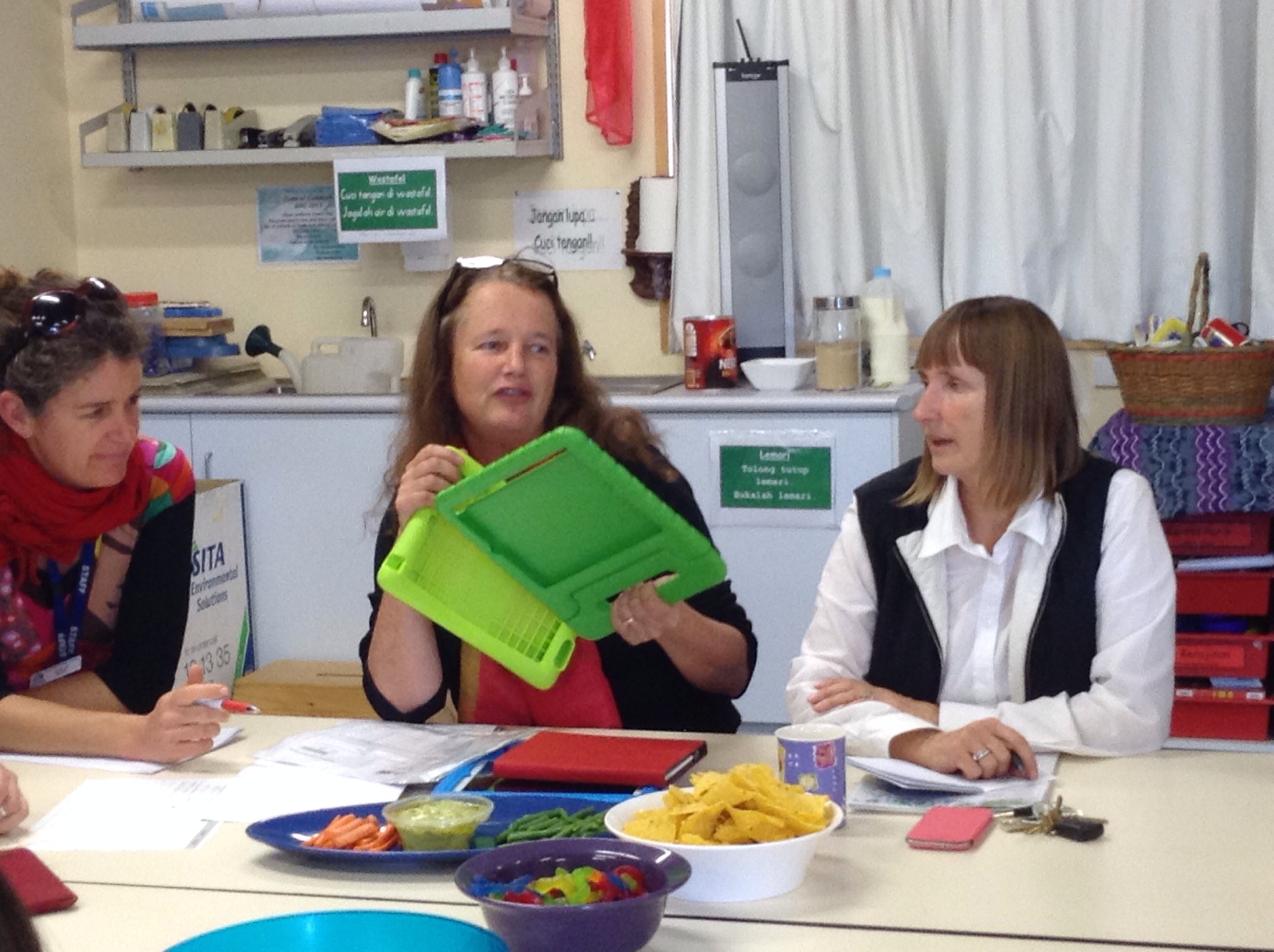
Annie shared next, showing us the iPad covers she bought recently. She particularly likes this design due to their durable shape and the fact they have a handle. She also recommended getting a variety of colours as this helps student remember which iPad they were working on in previous lessons. On Annie’s recommendation, I also bought one of these to trial and I totally agree with her, they are an ideal design for schools added to which the price is very reasonable- about $15 each.IMG_8612.JPG
Emma next spoke about animoto and the Storykit app. We were able to connect her iPad to the smart board with a VGA cord, thus alloowing her to show us the project she has made with storykit.

IMG_8615.JPG
Kris was next and she shared with us all her wikispace specifically for using ICT in the Languages classroom.
https://web2-4languageteachers.wikispaces.com It is well worth a look. This followed on nicely from Emma’s presentation as the wiki contains heaps and heaps of information about the many apps suitable for use in the Languages classroom.

IMG_8619.JPG
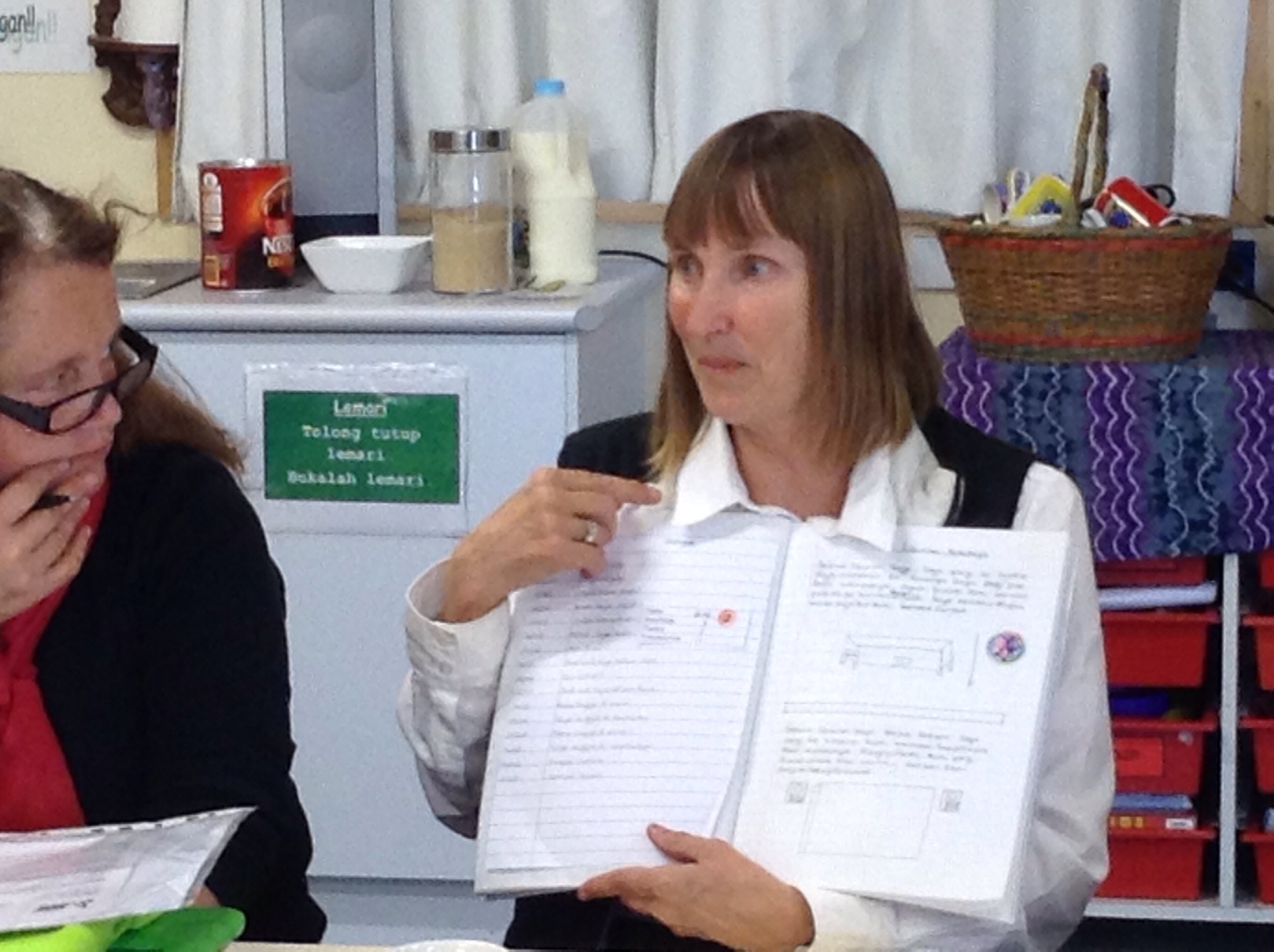
I finished off by firstly showing my blog

IMG_8623.JPG
and then giving a talk about the book creator app. I showed one of my students finished product and then handed out the ipads for teachers to have a look at book creator themselves.

IMG_8624.JPG
This finished up the main part of the teachmeet. We have agreed to meet again week 5, term 4 at PEPS again and in the meantime, I will email participants information about our wikispace and how to become members.
It was amazing meeting everyone and in some cases putting a face to a name and visa versa. We also had quite a few other interested Languages teachers who didn’t join us purely because of distances they would have had to travel, so I will be having conversations with our amazing ICT person about using Skype next time.
I hope everyone else got as much as I did out of this first teachmeet and I am already planning what I can share at the next one!! Should we have a theme???